
Tag: FLUX AI
-

FLUX on Photoshop
Up until now, testing different generative models meant switching between apps, exporting files, and stitching results together. With FLUX Kontext [Pro] integrated directly into Photoshop, that complexity disappears. Simply choose the model, describe the edits you want, and refine them with Photoshop’s powerful tools — achieving precise, coherent results while staying in full creative control.…
-
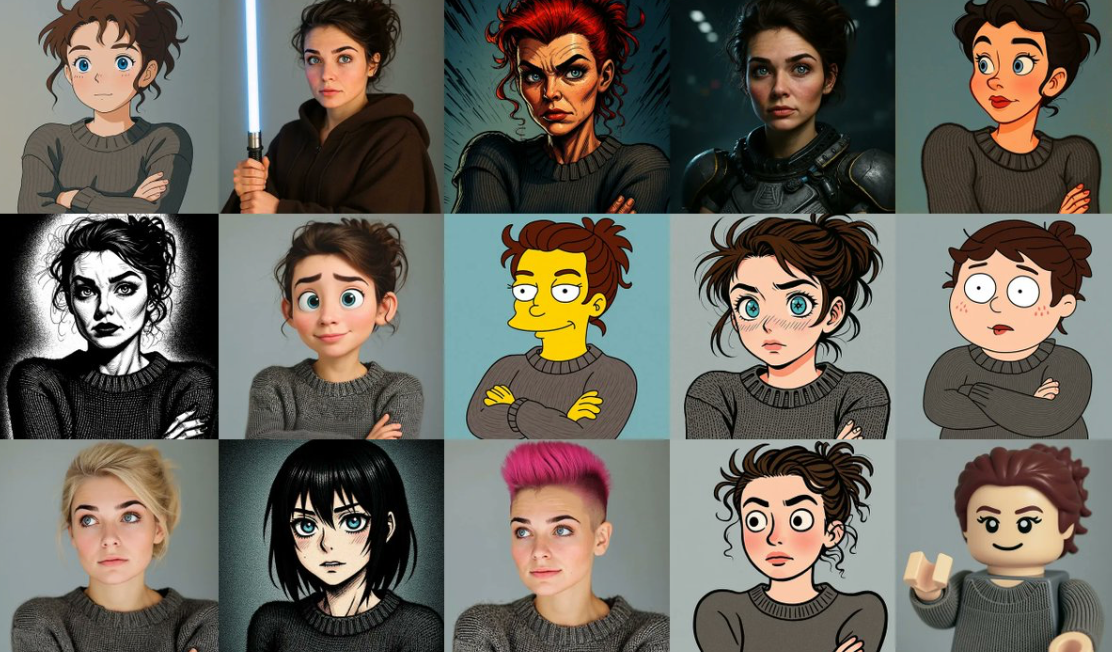
Exploring LLM-Powered Image Generation
The convergence of large language models (LLMs) and generative image systems is reshaping the field of AI creativity. While diffusion models and GANs have dominated image synthesis for years, a new wave of LLM-driven methods—like FLUX Kontext—demonstrates how advanced language reasoning can directly fuel high-quality visual generation. This article breaks down the techniques behind LLM-based image generation, highlights the innovations in…
-

How To Use FLUX AI Without ComfyUI
FLUX AI offers a powerful way to generate high-quality images without needing complex software like ComfyUI. Here’s a guide to accessing and using FLUX AI on OpenArt, a user-friendly platform that makes the process simpler and more affordable. Getting Started with OpenArt for FLUX AI To begin using FLUX AI, head over to the OpenArt…